
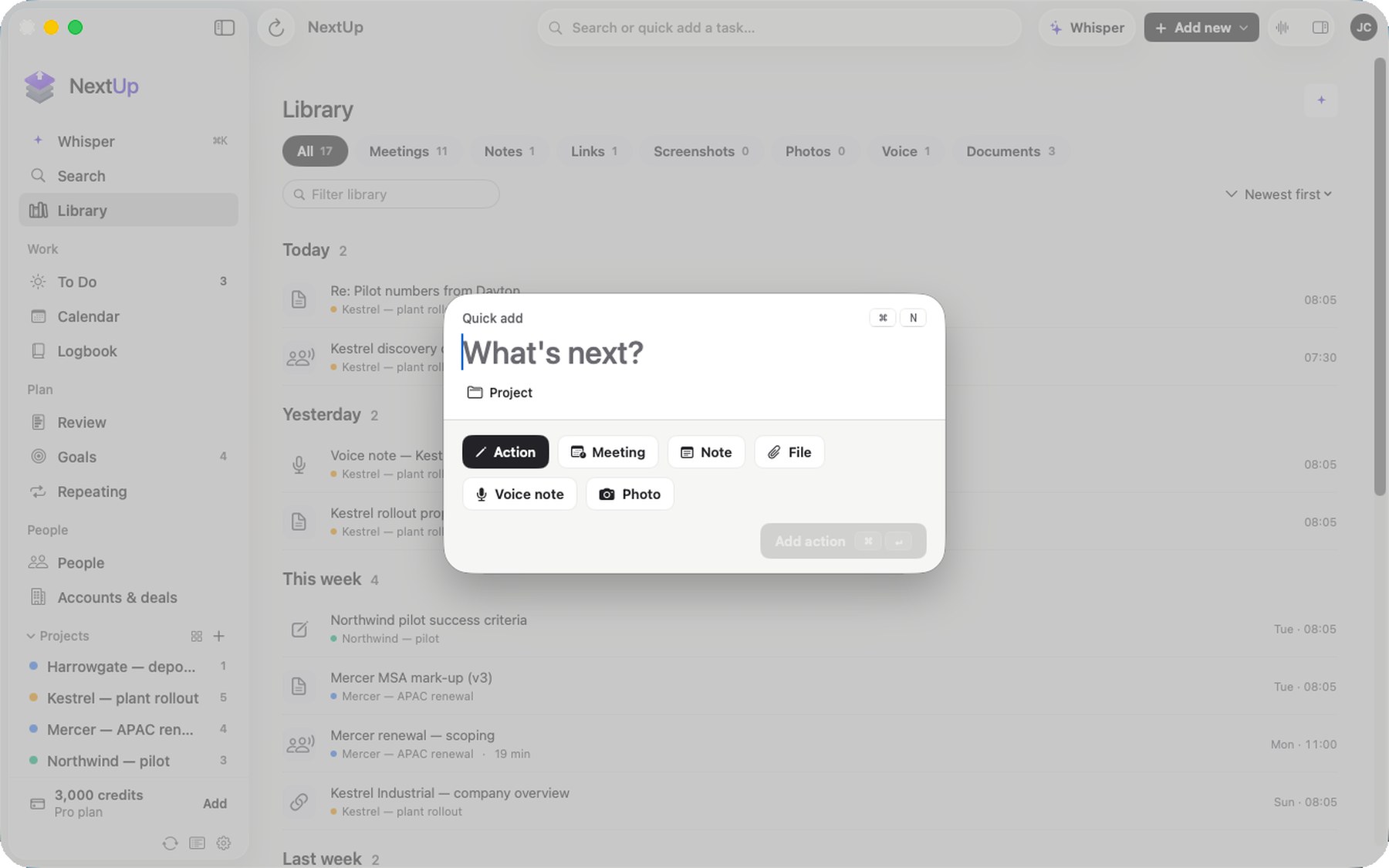
Capture anything
Drop in a contract, a whiteboard photo or a forwarded email. NextUp reads it and files the actions.
Record any video call from your Mac, the picture as well as the sound, and get the summary, decisions and action items minutes later. No bot joins the call. Everything files against the client and syncs to your iPhone and the web.
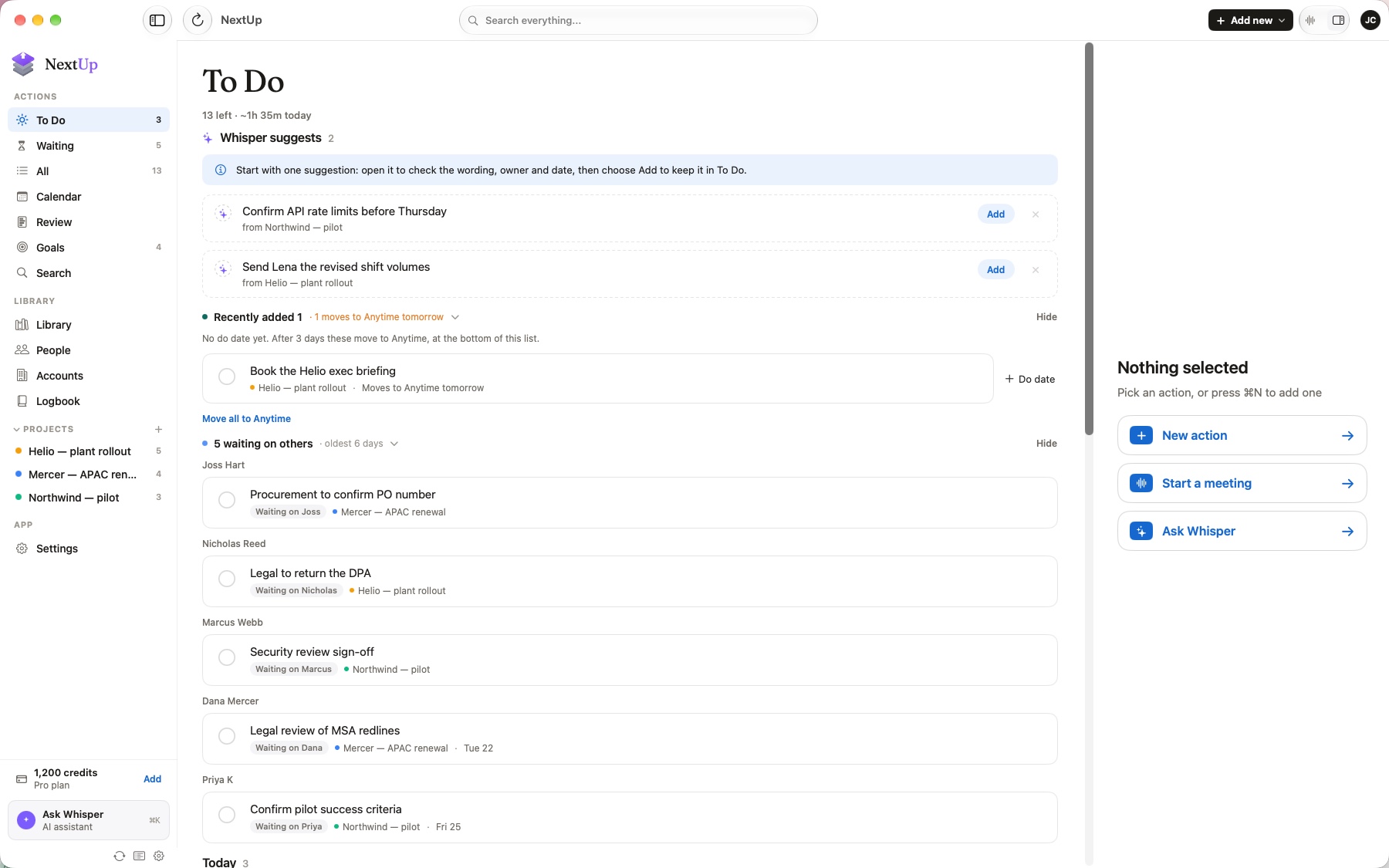
NextUp records the meeting on your Mac, whether it's in Zoom, Teams, Meet or a room. The transcript fills in as people speak, each action and decision appears under the line that produced it, and your playbook sits beside it showing what's covered and what to ask next. Stop, and the summary is written.
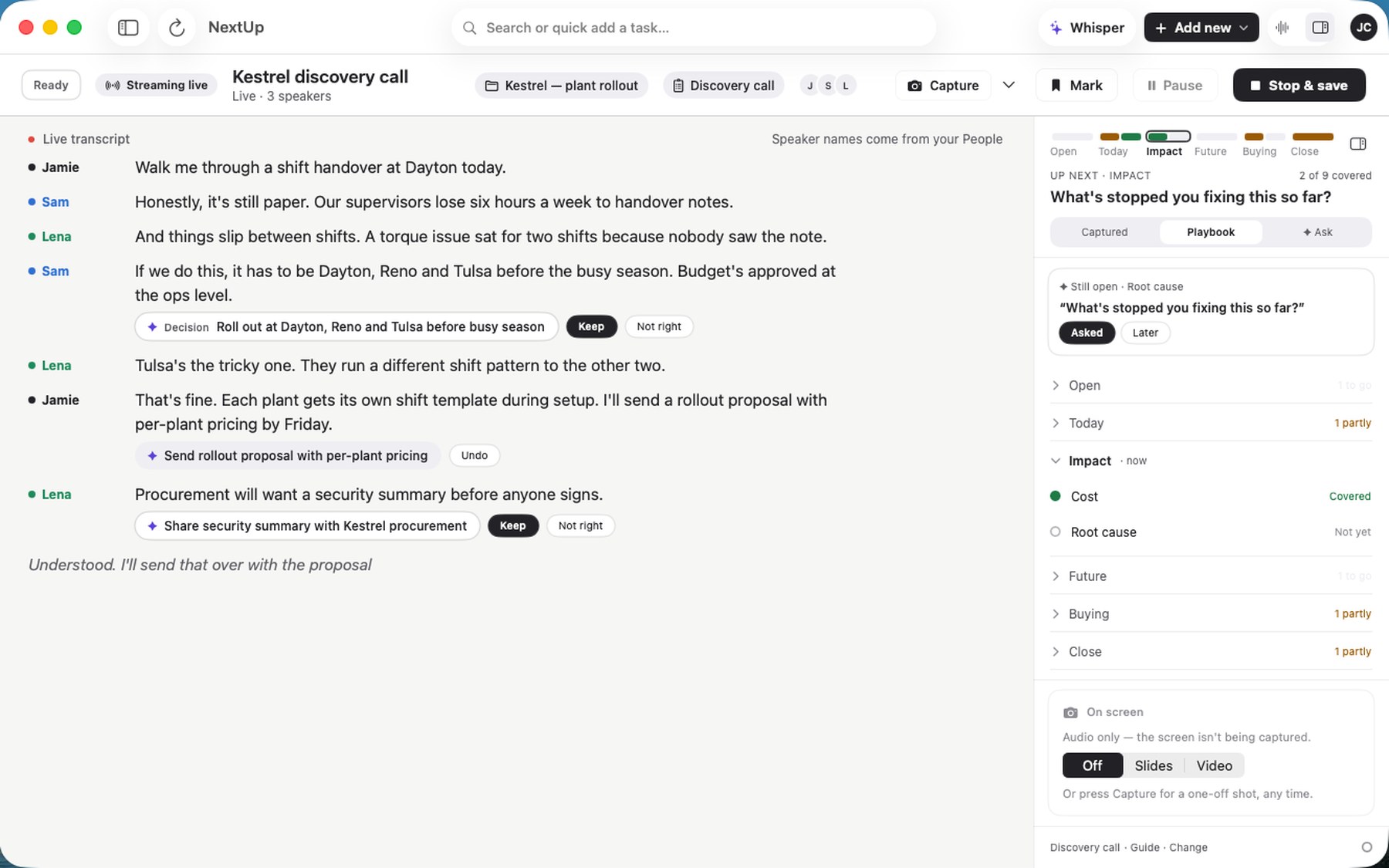
Drop in a contract, a whiteboard photo or a forwarded email. NextUp reads it and files the actions.
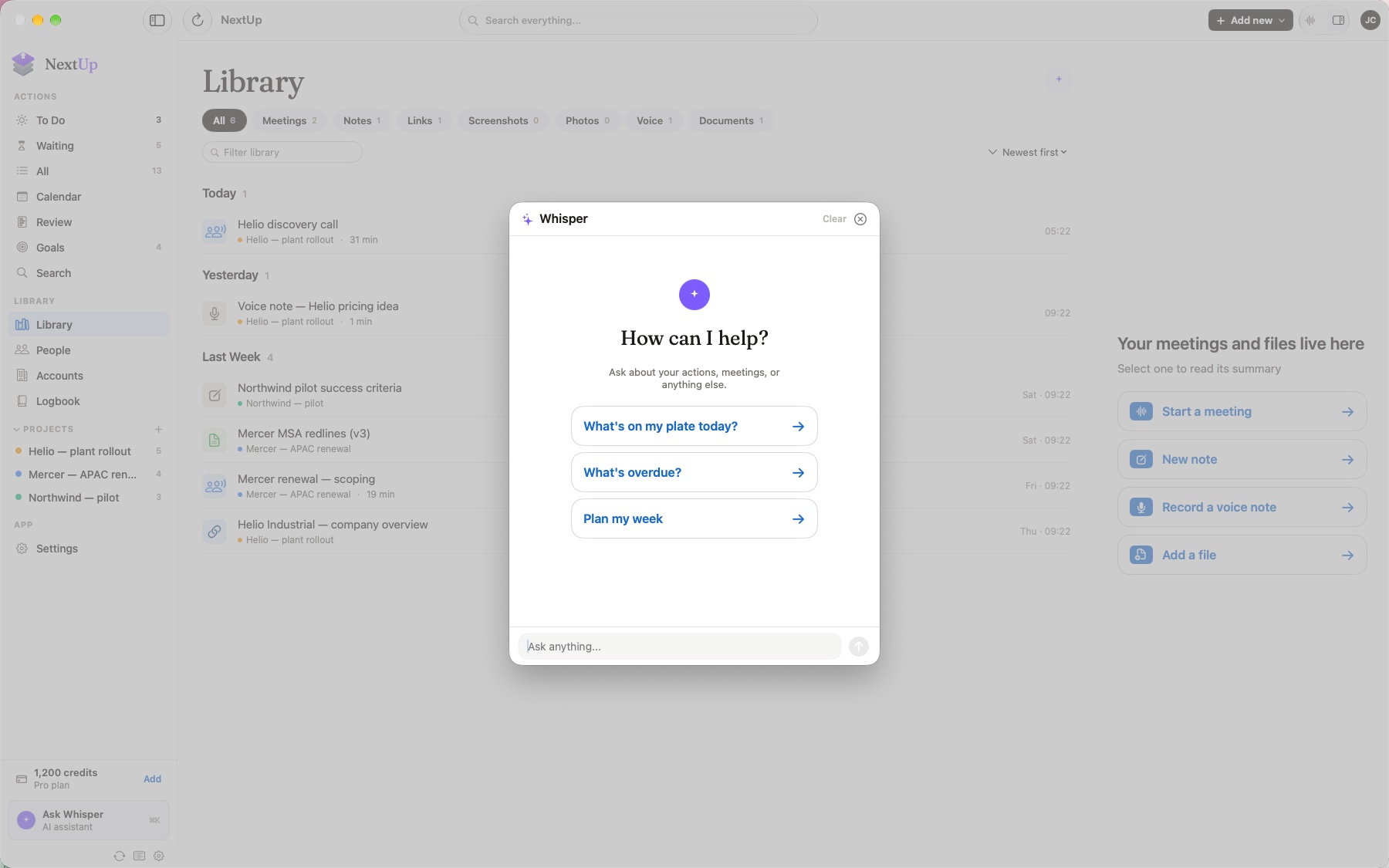
“What’s on my plate with Kestrel?” Talk it through. Whisper knows every meeting, note and promise.
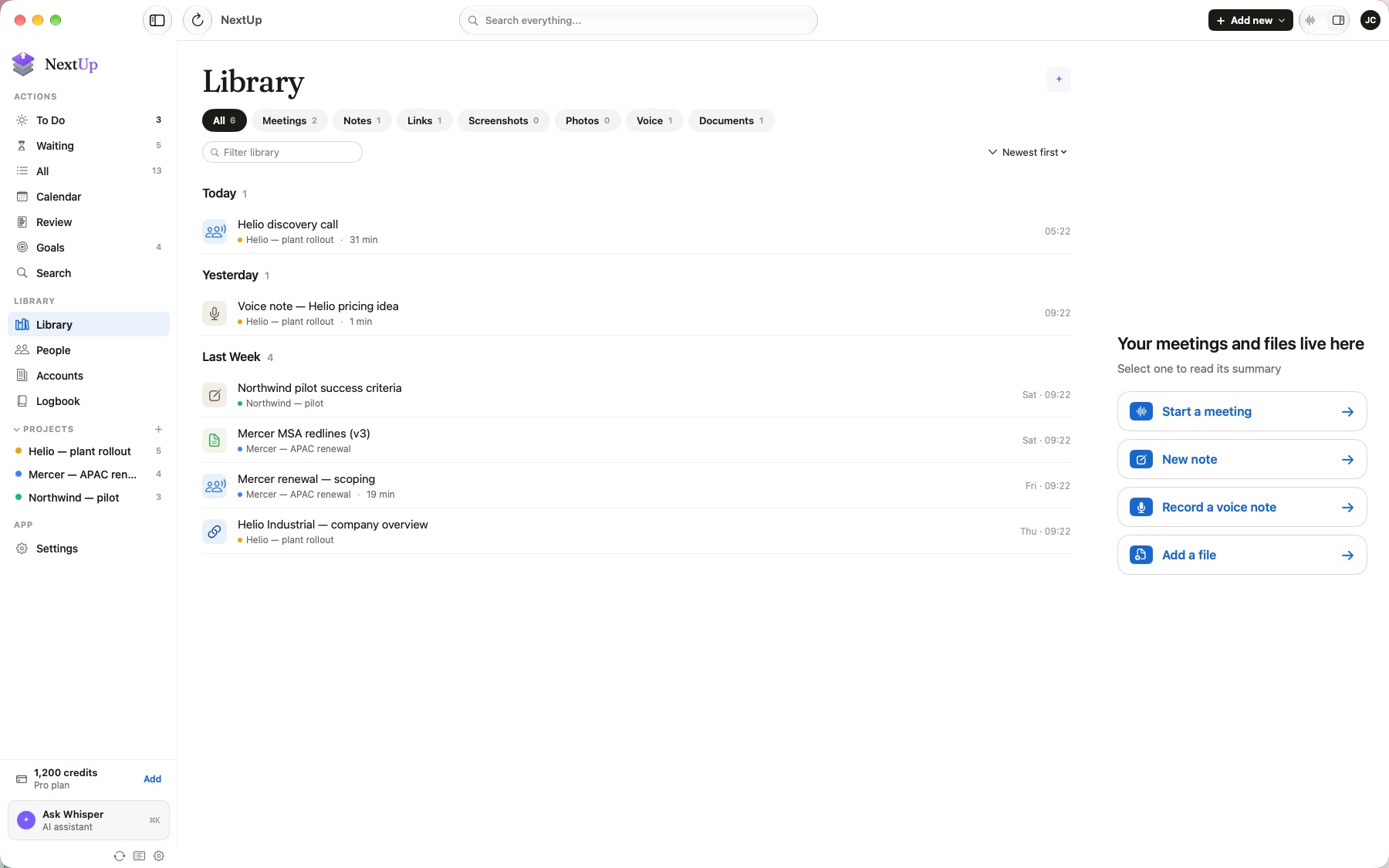
Every recording, transcript and document, searchable and filed by client. Full keyboard, full screen.
It’s the same NextUp listing as iPhone and iPad, so if you already have it there, it’s already yours on the Mac.
The first time you record, macOS asks to let NextUp hear your microphone and the call. Say yes to both.
Use Apple, Google or your email. It’s the same account as iPhone, Windows and the web, so your plan, meetings and actions come with you.
Buy a plan or top up credits inside the app. A firm can start a team at my.nextupai.app and share its clients with everyone on it. Everything you do here shows up on every other device.
Free to download. The Free plan refills with 600 credits a month, about three hours of meetings, and there’s no card needed to start.